AI invoice OCR: from PDF to your ERP or to Excel without typing
Digitising invoices is not scanning them and dropping them in a folder. That is just moving the paper around. What we build at DelegaloAI is a flow where the invoice arrives by email, the AI reads it, pulls out supplier, amounts, dates and line items, and files it in your ERP, your accounting software or your Excel with nobody typing. Your team only reviews the doubtful ones. We do it as an AI agency with an office in Barcelona, recognised by Forbes España and the Spanish Chamber of Commerce.
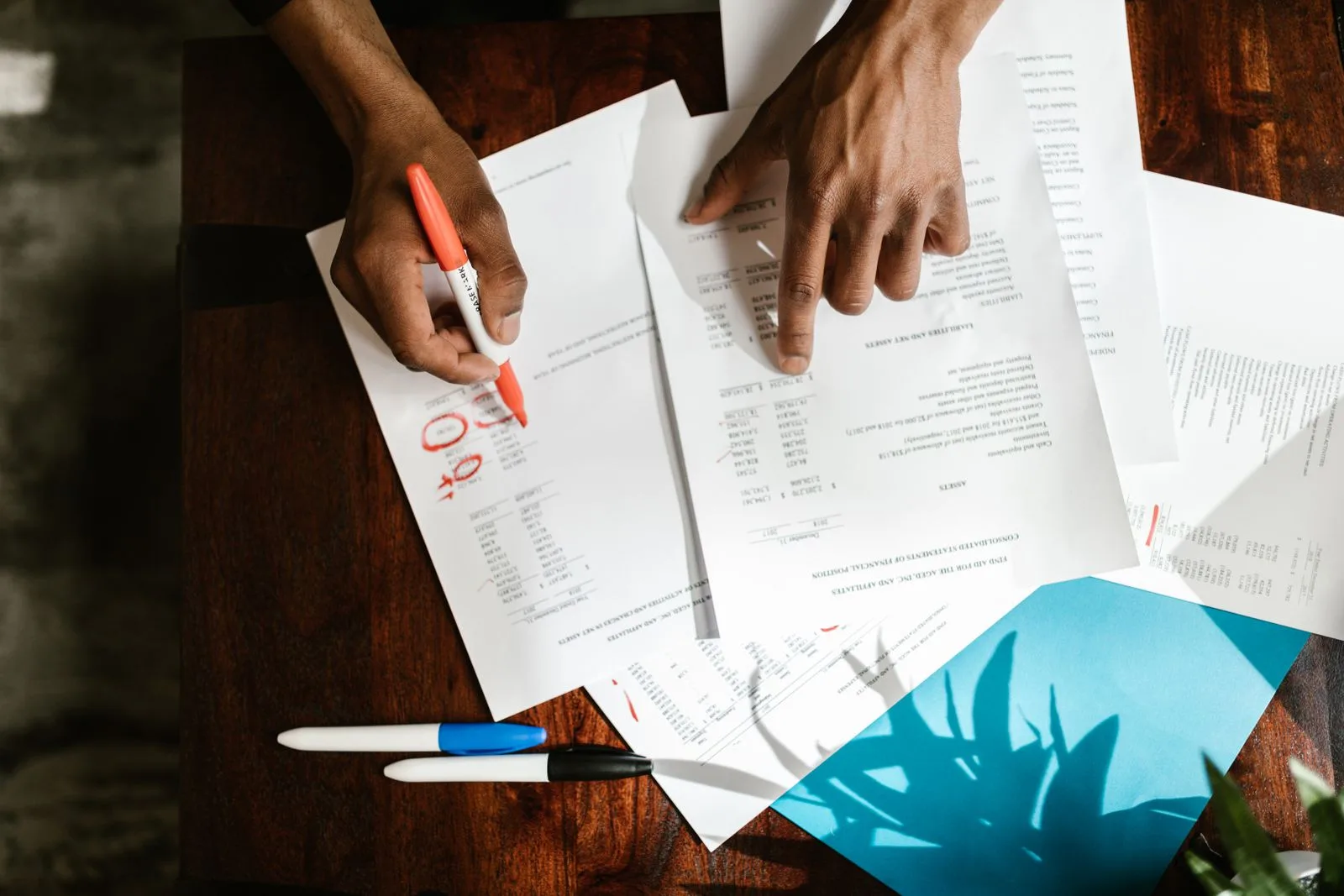
What AI OCR does when it is built properly
Reads any format
An attached PDF, a phone photo or a scan. The invoice comes in through the same inbox as always and the AI understands it.
Pulls out the data that matters
Supplier, net amount, VAT, total, dates, line items and invoice number, structured and ready to book.
Files it where you already work
Odoo, your accounting software or an Excel file. No system migration and no copy and paste.
Unsure means a person steps in
If something does not add up (an odd amount, a new supplier, an unreadable field), it sets the invoice aside and flags it for human review.
A real case, with numbers
At RESA EXPO Logistics, issued invoices go into the panel and from there the chasing runs itself: a heads-up two days before the due date, a notice on the day, and a ladder of reminders if payment does not arrive. Between 01/07/2026 and 11/09/2026, 38 reminder emails went out covering 27 invoices, with nobody writing down a due date by hand and not a single send lost.
The AI does not run loose: before anything is filed for good, the doubtful ones stop and wait for the go-ahead. You approve, it executes.
Which fields are extracted from each invoice
Digitising an invoice with AI is not saving an image: it is pulling out of it the data your accounts need and leaving it where it gets used. These are the fields we read as standard, what is done with each one and what happens when one of them is not clear.
| Field | What is done with it | If it is not clear |
|---|---|---|
| Supplier and tax ID | It is identified against your supplier master file. If it is new, the record is proposed rather than created on its own. | Flagged as a supplier to confirm |
| Number and date | They are used to spot duplicates before anything is recorded: the same invoice coming in twice is one of the most expensive and most silent errors there is. | Held back, with a warning about the possible duplicate |
| Net, VAT and total | It is checked that the sum adds up. An invoice whose arithmetic does not close does not go into the accounts. | Set aside with the mismatch pointed out |
| Line items and descriptions | They are structured line by line, not as a block of text, so they can be assigned to a project or a cost centre. | The original is kept and a review is requested |
| Due date and payment method | They feed the payment calendar and the reminders, which is where early-payment discounts are won. | The supplier's default terms are applied |
| Delivery note or order reference | It is cross-checked against the delivery note to see whether what was invoiced is what was received. | Flagged as pending matching |
Optical character recognition, yes, but the AI does not decide on its own
It is worth being precise here, because almost nobody spells it out. Optical character recognition turns the image into text, and there the AI is very good. But deciding which number in that text is the taxable base and which is the total is not a reading problem: it is a structure problem. And for that a generative model is a worse tool than a deterministic extractor.
This is not an opinion, we measured it. In September 2026 we built an order extractor with AI nodes and ran it over several hundred real documents with the answer known: it got 75% right. And it failed in the worst possible way, inventing fields and losing entire line items without raising any error. Rewritten with deterministic parsers, one per format, it went up to 100% over the same set.
That is why we build it this way: the AI reads and classifies, a deterministic extractor pulls out the fields when the format is stable, the arithmetic is checked with a sum and not with a prediction, and whatever does not add up stops and waits for a person. A system that gets 75% right while keeping quiet about its failures is worse than having nothing, because the error goes into your accounts without any alarm going off.
What it costs today to process an invoice by hand
Before automating it is worth knowing what you are comparing against. The AP Metrics That Matter report from Ardent Partners puts the average cost of processing an invoice by hand at 9.40 dollars, against 2.78 dollars in companies with automatic capture. Projected over a year:
| Invoices per month | Annual cost by hand | With automatic capture |
|---|---|---|
| 100 | ~9.800 € | ~2.900 € |
| 300 | ~29.300 € | ~8.700 € |
| 600 | ~58.600 € | ~17.300 € |
It is an order of magnitude, not a promise: your figure depends on how many exceptions you have and on what the person doing it today is paid. How to work out your own with three figures you already have is in what it really costs to process an invoice by hand.
Where the invoices end up: your ERP, your accounting software or a spreadsheet
The destination is your choice, and it does not have to be sophisticated. We record into Odoo and into the accounting software you already use, and we also know how to leave it in an Excel file or a CSV with one row per invoice and the columns your bookkeeper needs, which for many SMEs is exactly what is needed and nothing more. The step by step of how it goes from a PDF to a spreadsheet is in the guide to invoice OCR with AI.
And if what comes in is not invoices but delivery notes and CMRs, the same circuit applies to transport and logistics paperwork.
Who it is for
- Companies receiving dozens of supplier invoices a month and typing them in by hand.
- Accounting firms and admin departments losing days on every month-end close.
- Logistics operators with delivery notes, CMRs and transport paperwork on paper or in PDF.
- Any SME where "entering invoices" is still a job for people.
How we build it
We start from your actual circuit: where invoices come in, who validates them and where they have to end up. We build the flow on your own tools, test it with your real invoices and leave it running. It is not a closed template or another piece of software to learn: it is your same process, minus the mechanical part.
We start with one specific, bounded case, leave it running and grow from there: approval flows, payment reminders, reports.
Why DelegaloAI
- No migrations: the OCR plugs into your current ERP, accounting software or Excel.
- Human oversight: doubtful invoices go through your approval, the clear ones go in on their own.
- Clear pricing: free assessment and a fixed written proposal before we start.
- Verifiable results: cases with published metrics and recognition in Forbes España.
If you would rather see who you would be hiring first, our AI agency in Barcelona page explains how we work and where we are.
Frequently asked questions
Does it work with PDFs, photos and scanned invoices?
Yes. The AI reads the invoice however it arrives: a PDF attached to an email, a photo taken on a phone or a scanned document. It pulls out supplier, amounts, dates and line items and leaves them structured in your system.
What happens when the AI is unsure about an invoice?
It does not file it blindly: it sets the invoice aside and flags it for human review. Your team only looks at the doubtful ones, not all of them. That is the difference between automating and crossing your fingers.
Do I need to change my ERP or accounting software?
No. We build the OCR on top of what you already use: Odoo, your accounting software or even an Excel file. The invoice comes in through the same inbox as always and shows up filed where you already work.
How much does AI invoice capture cost?
The quote depends on the scope: filing supplier invoices is not the same job as also building approval flows and payment reminders. The first assessment is free, and we tell you what you need and what it costs in writing, before you commit to anything.
How is this different from plain old OCR?
Classic OCR gives you back the text of the invoice and leaves you there: somebody still has to decide which number is the net amount and which the total, and type it in. What we build goes all the way: it identifies the supplier, structures the line items, checks that the arithmetic adds up, spots duplicates and records it in your system. OCR is the first step of a circuit, not the product.
And if the invoice does not match the delivery note?
It stops, which is what should happen. The system cross-checks what is invoiced against what was received and, when they do not match, it flags the specific difference (quantity, price or item) and notifies whoever has to resolve it. It does not record it "roughly right" nor let it through so that it turns up at month-end close.
What happens to my data and my suppliers' data?
We work inside your own tools and accounts, not on an outside platform holding your data. You keep control and ownership at all times.
How many hours go into entering invoices every month?
Tell us and we will tell you what can be automated (and what cannot). Free 30-minute assessment.
Book a call Message us on WhatsApp